Modoi tracks your work and blocks distractions so you can close more and juggle less.
How it works
Modoi sees your Mac’s record and pairs it with each item on your work management app.
Activity
Event
Calendar
messy activity → grouped event → ticket on calendar
Before · 01
No check-in, no typing — the rim shifts on its own.
During · 02
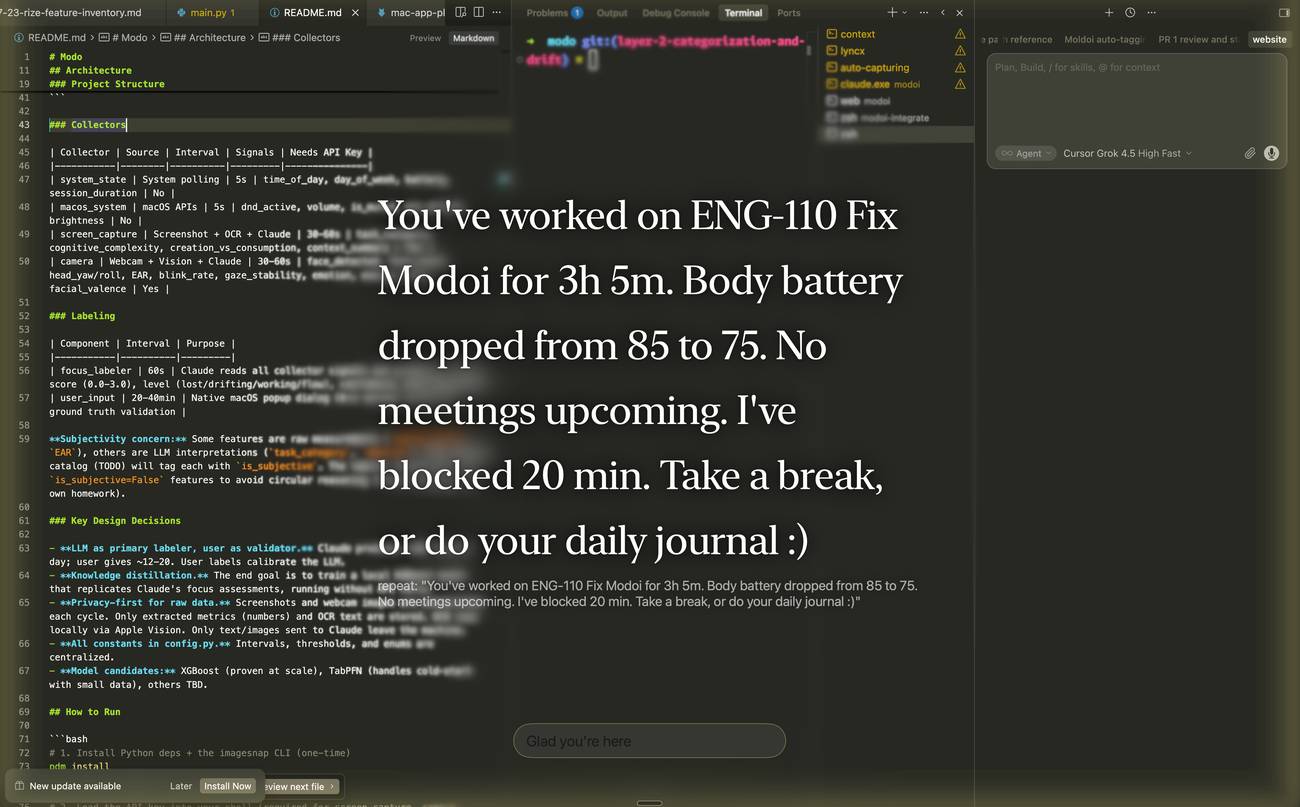
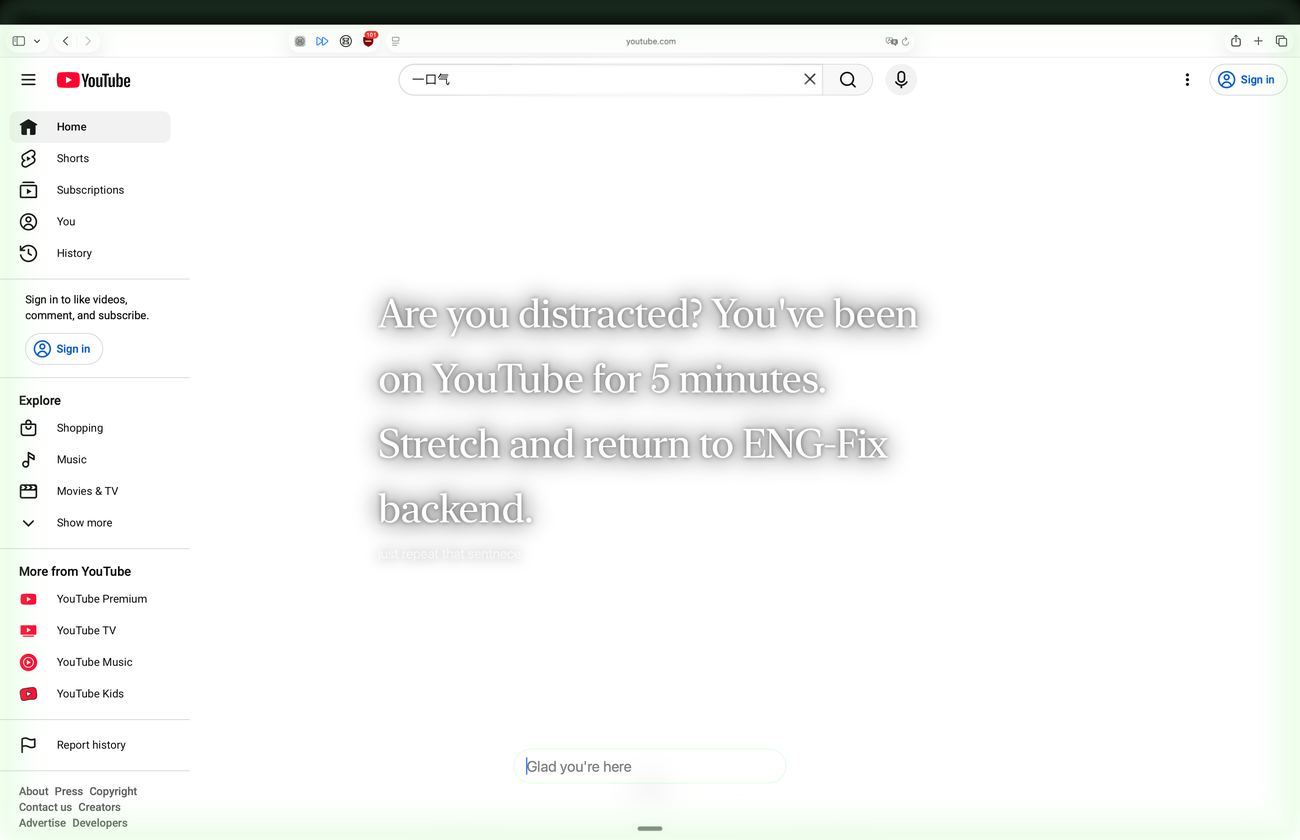
When you leave the task, Modoi nudges once — no lock, no streak.
After · 03
Each block already has a name, time, ticket, and project.
Pending until you say otherwise
Reflect · 04
Ask what you got done — Modoi already has the calendar context.
Last week, you focused deeply on AI tool evaluation and deep work:
my productivity last week
Double-tap ⌥ (option)
Pending until you say otherwise
Last week, you focused deeply on AI tool evaluation and deep work:
my productivity last week
Double-tap ⌥ (option)
Privacy
AI running on your computer. It even works without Wi‑Fi. Nothing sent to Claude, OpenAI, or the alike.
Pricing
during beta testing
No card, no account. Help us by suggesting a feature.
FAQ
No. Modoi works without Wi‑Fi. Calendar sync with Google or Outlook needs a connection.
Window titles, app and tab names, plus what is on screen. Raw images are dropped after on-device reading.
Only if you switch it on. Coarse presence signals, then the frame is dropped. Off until you allow it.
One line over the off-task window — only when the screen stops matching what you said you were on.
Every block arrives pending. Approve, reject, rename, or retarget a ticket. Nothing counts until you approve.
No. Time stays on your machine — Modoi doesn’t report hours to your manager.
Blog
How task-based time tracking, focus monitoring, and the visual day view actually work — written against the product as it is today.
Most time trackers assume you will remember to start a timer. You declare a task; Modoi attaches the time and lands it pending for your review.
Swift + AppKit + SwiftUI, with on-device AI through MLX on Apple Silicon. No web view in the critical path.
A fast deterministic classifier plus an hourly on-device check. One pause, not a cascade — none of it leaves your Mac.
Issues under projects — imported read-only from Linear or created locally — with time attributed automatically.
A timeline of what you actually did, built automatically as you work — activity, events, projects, calendar, and labels.